
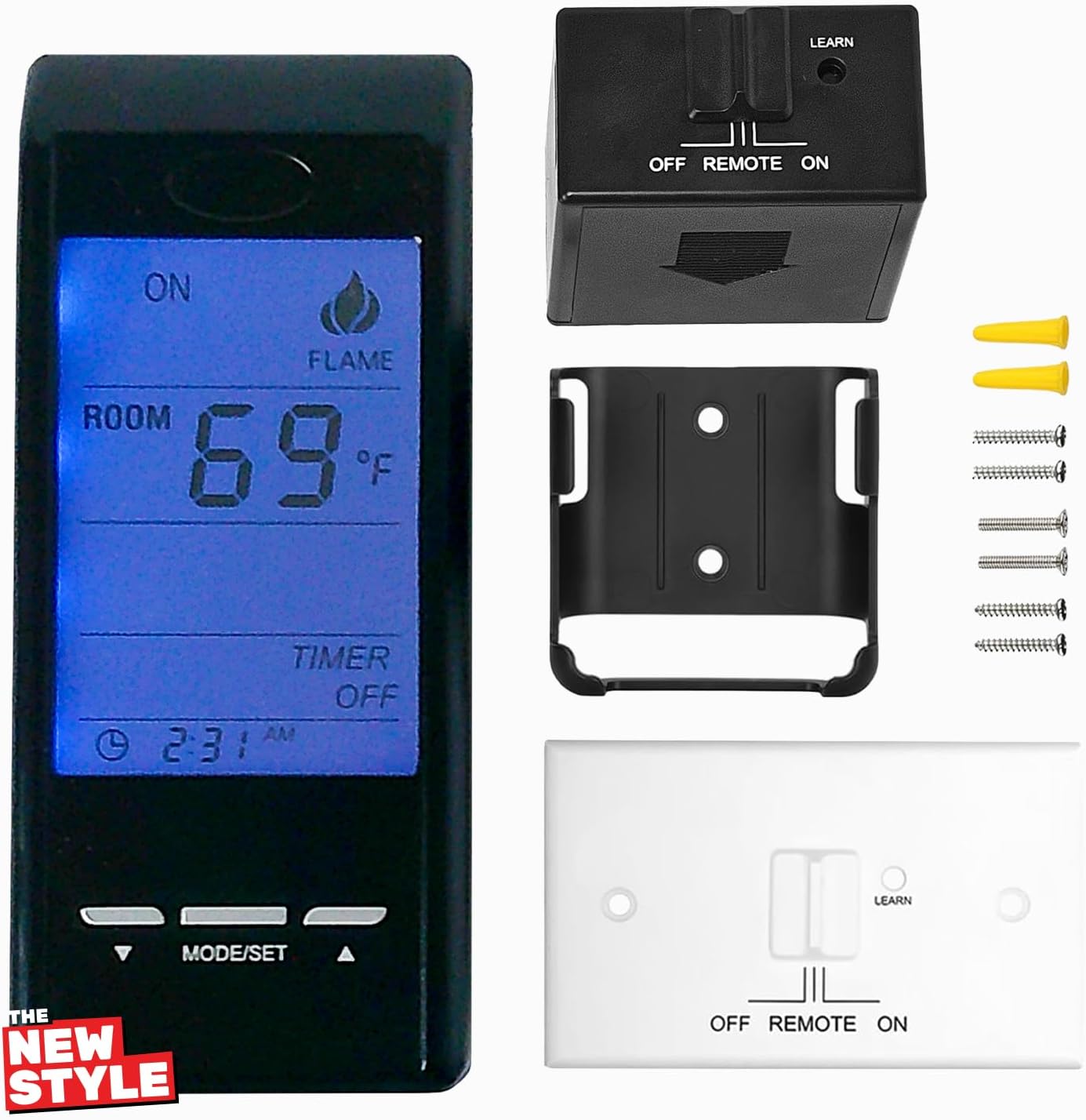
Touch Screen Programmable Thermostat Remote Control Kit,for Ambient Majestic Vermont-castings skytech monessen etc,Millivolt Gas Valve Fireplaces and Stoves
$79.99
Price when purchased online
Free shipping
Free 30-day returns
Sold and shipped by totherepublicapp.com
We aim to show you accurate product information. Manufacturers, suppliers and others provide what you see here.
$79.99
Price when purchased online
Free shipping
Free 30-day returns
Sold and shipped by totherepublicapp.com
Free 30-day returns Details
Product details
| Management number | 208347177 | Release Date | 2026/03/22 | List Price | $32.00 | Model Number | 208347177 | ||
|---|---|---|---|---|---|---|---|---|---|
| Category | |||||||||
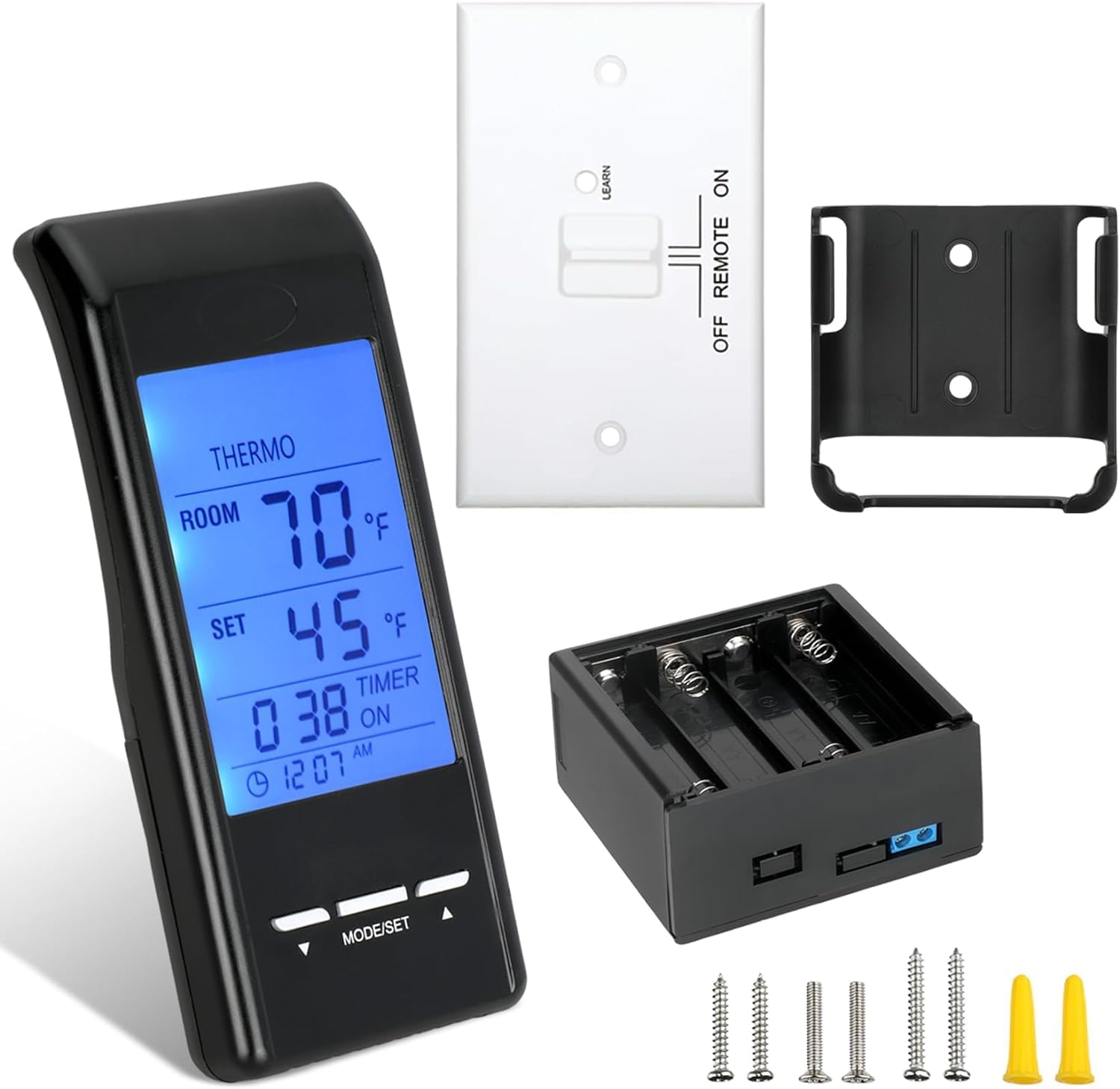
- Touch screen gas fireplace remote control thermostat has a blue backlight for better vision at night ,Remote allows you to turn your gas logs on/off or set the temperature you want , Receiver connects to any standard millivolt gas valve system
- Includes : Remote - Receiver - Wall plate - 18 inches wiring assembly - Plastic wall anchors for the transmitter - Screws
- Pre-programmed for quick Installation simply connect the two terminals to the TH and TH/TP terminals of the millivolt valve, install the batteries . After the connection is successful, the receiver will beep and thats it ready to use
- Direct replacement for SKYTECH - Ambient -Majestic - Monessen - Vermont Castings Fireplaces and Stoves
- 1 Year warranty , for any issue or questions regarding this product please contact us
- For time clock settings , simply press and hold the clock section on the LCD screen for 3 seconds , the clock flag flashing indicates real time , press up or down to adjust the clock that you want .
- Settings F and C scale : Factory settings for temperature is F , to change into C , press and hold the UP button and the DOWN button on the trasmitter at the same time
- To activate the child - proof protection : Press the Mode/Set and UP buttons at the same time for 5 seconds , the lock icon will appear on the LCD screen , to deactivate the child - proof repeat the same procedure.


Bestseller ranking
Pens, Pencils, Highlighters & Markers


Customers who viewed this product also viewed
Jacks


Correction of product information
If you notice any omissions or errors in the product information on this page, please use the correction request form below.
Correction Request Form