

Stereo Headset Adapter for Xbox One, Game Audio Mic Headphone Converter – Black by
Product details
| Management number | 208550830 | Release Date | 2026/03/22 | List Price | $36.00 | Model Number | 208550830 | ||
|---|---|---|---|---|---|---|---|---|---|
| Category | |||||||||
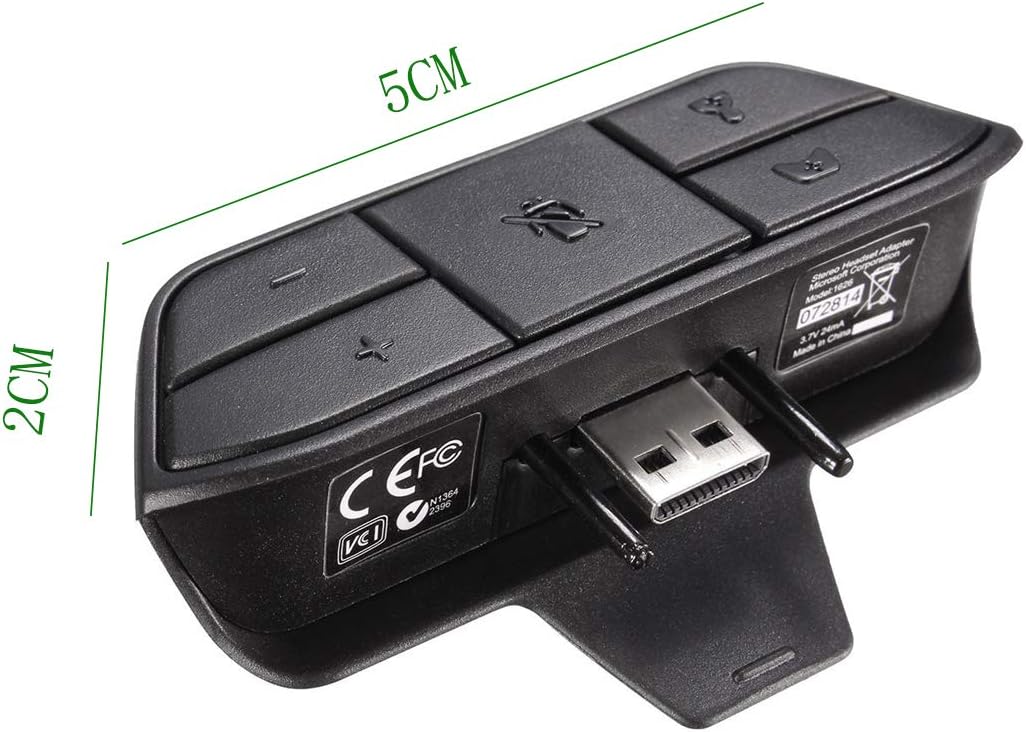
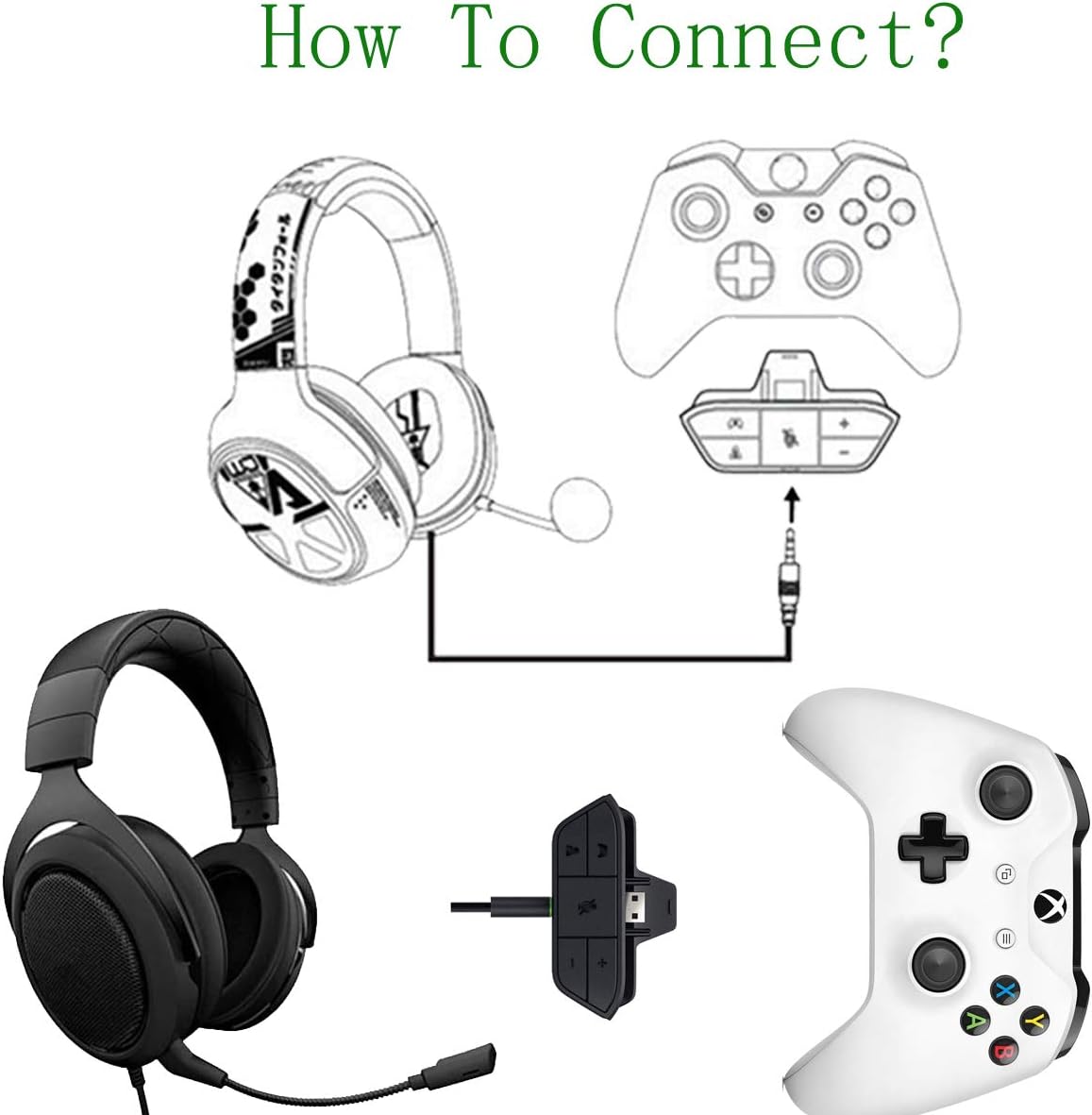
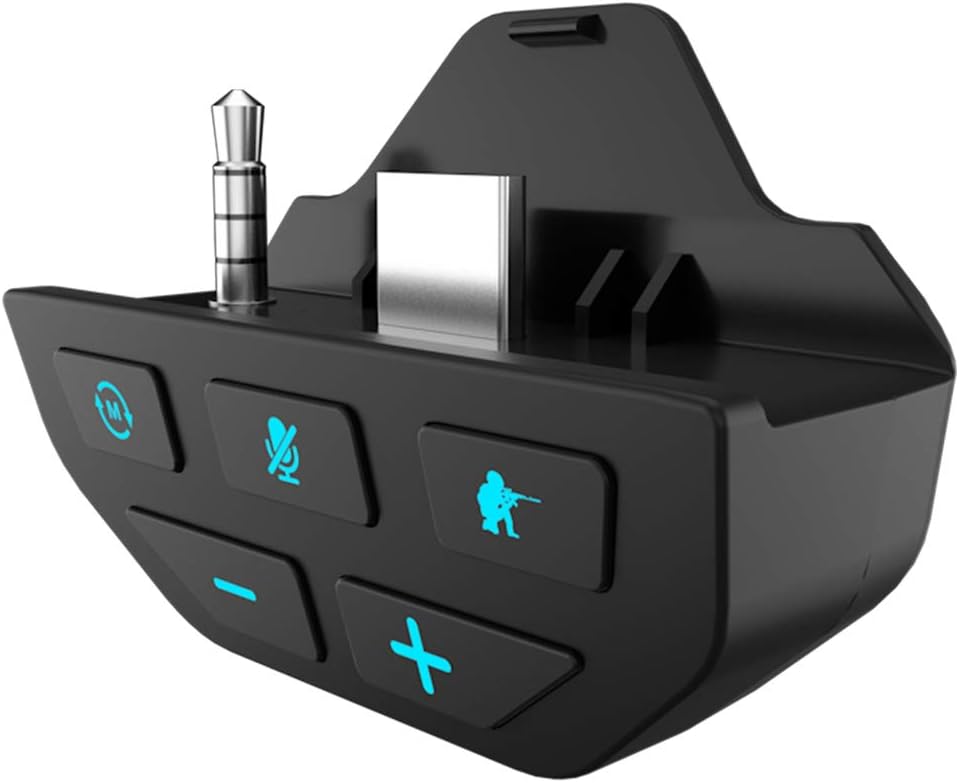
If you encounter problems, please contact us in time!PRODUCT DESCRIPTION:Fine work manship, small size and high quality. 1. Enable most wired stereo gaming headsets to work with Xbox One controllers. You can easily adjust chat and game audio without removing your hands from the controller. 2. With multiple button functions, including: adjust the volume level, microphone mute, game sound balance and chat sound balance. 3. No need to connect anything to the console or TV/receiver. (Note: A microphone is required for chat.) USE AND INSTALLATION INTRODUCTION:Plug the stereo headset adapter "12 Pin Interface" into the xbox one controller, and at the same time plug the headset into the adapter's"3.5mm Headphone Jack" to use, plug and play. Simple and fast! BUTTON FUNCTION INTRODUCTION:Microphone Mute: press to turn off the microphone, press again to turn it back on (the LED will glow when muted). Game Balance Button: Press to enhance game audio. Chat Balance Button: press to enhance chat audioIncrease Volume: Press to increase the overall game and chat volume. Volume Down: Press to decrease the overall game and chat volume. 12 PIN Interface: plug into the Xbox One controller. 3.5mm Audio Jack: used to connect any 3.5mm earphones. Please enter the system setting page before use, connect the xbox one gamepad with the Android USB cable to upgrade the firmware! 1. Enter setting first. 2. Then select system. 3. Then plug in the mirco usb cable and select the controller upgrade. PACKAGE CONTENTS:1 x stereo headset adapter
| Item Weight | 0.81 ounces |
|---|---|
| Manufacturer | Cenxaki |
| Package Dimensions | 3.1 x 2.9 x 0.9 inches |



Bestseller ranking
Lighting


Customers who viewed this product also viewed
Adapters



Correction of product information
If you notice any omissions or errors in the product information on this page, please use the correction request form below.
Correction Request Form