

Remote Control for Ergo-Pedic Solutions II Adjustable Base Adjustable Bed Base
$69.99
Price when purchased online
Free shipping
Free 30-day returns
Sold and shipped by totherepublicapp.com
We aim to show you accurate product information. Manufacturers, suppliers and others provide what you see here.
$69.99
Price when purchased online
Free shipping
Free 30-day returns
Sold and shipped by totherepublicapp.com
Free 30-day returns Details
Product details
| Management number | 208336982 | Release Date | 2026/03/22 | List Price | $28.00 | Model Number | 208336982 | ||
|---|---|---|---|---|---|---|---|---|---|
| Category | |||||||||
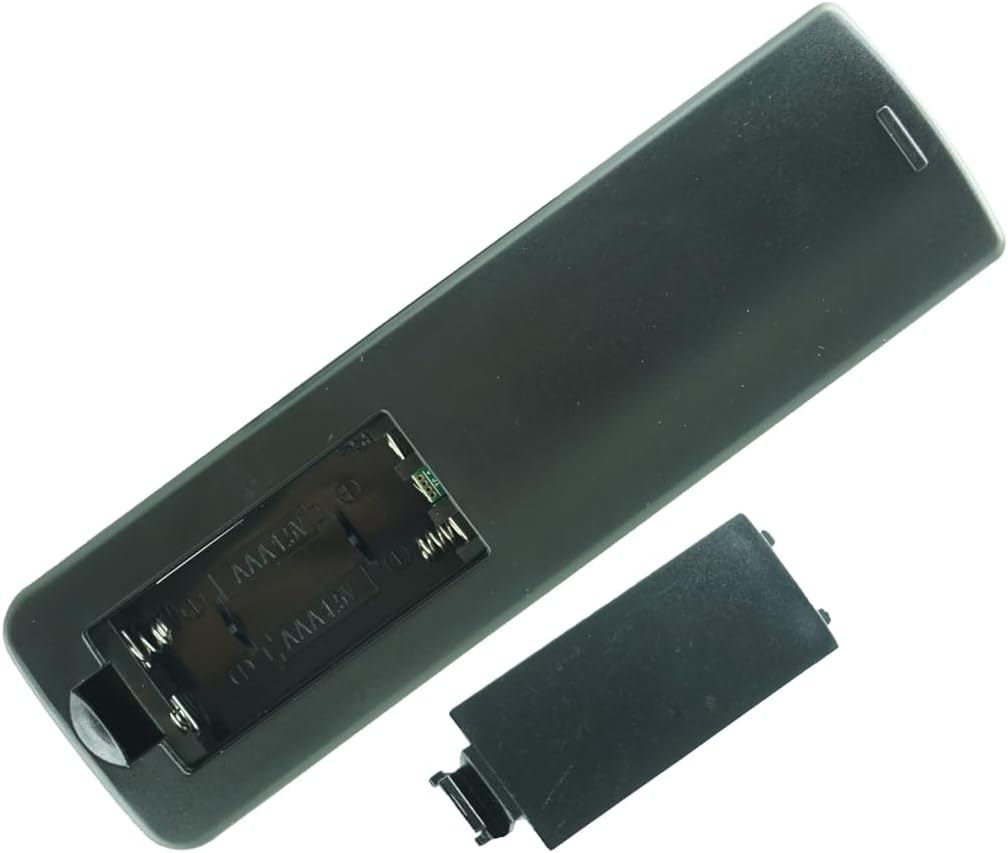
Replacement Remote Actual product Pls refer to our pictures No battery and instructions included Don't buy if your model number is not inclued
- This Remote only fits for the control box which made by Richmat
- This Remote only fits for the control box which made by Richmat
- Method 1: Step 1: On the remote press and hold the "head up" button and the "foot up" button at the same time for 10 seconds. Step 2: Push the button on the side of the control box underneath the bed where is indicates reset coding (usually it is the button indicated by the word "Learn" or "Reset Coding". Do not press and hold the side button, just press and release. Step 3: Once you hear beeps that will indicate that the remote is synced.
- Method 2: Step 1: On the remote press and hold the "head down" button and the "foot up" button at the same time for 10 seconds. Step 2: Push the button on the side of the control box underneath the bed where is indicates reset coding (usually it is the button indicated by the word "Learn" or "Reset Coding". Do not press and hold the side button, just press and release. Step 3: Once you hear beeps that will indicate that the remote is synced.
- Method 3: Step 1: On the remote press and hold the "head up" button and the "foot down" button at the same time for 10 seconds. Step 2: Push the button on the side of the control box underneath the bed where is indicates reset coding (usually it is the button indicated by the word "Learn" or "Reset Coding". Do not press and hold the side button, just press and release. Step 3: Once you hear beeps that will indicate that the remote is synced.
| Batteries | 2 AAA batteries required. |
|---|---|
| Manufacturer | SZHKHXD |



Bestseller ranking
Cocktail Garnish


Customers who viewed this product also viewed
Clippers & Trimmers


Correction of product information
If you notice any omissions or errors in the product information on this page, please use the correction request form below.
Correction Request Form