
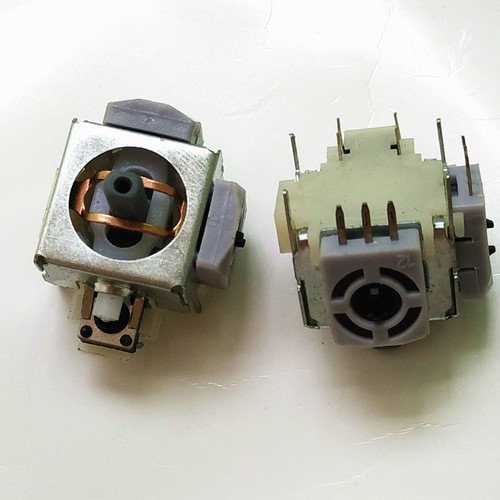
2 pcs Analog Stick Thumbstick Replacement for Xbox 360 Controller
Product details
| Management number | 208597940 | Release Date | 2026/03/22 | List Price | $36.00 | Model Number | 208597940 | ||
|---|---|---|---|---|---|---|---|---|---|
| Category | |||||||||
To install, you'll need: - a screwdriver - a desoldering iron (or copper braid) - a soldering iron - rosin core solder Instructions: First, disassemble the case by removing the screws from the back. There's a hidden one in the center covered by a sticker. With the screws removed, the back of the case should come off very easily. Remove the circuit board from the case. Pull the plastic thumbstick off the defective units. Identify the legs of the defective thumbstick on the reverse side of the circuit board. Using your desoldering iron, remove the solder from the unit's legs. (Note: if replacing the left thumbstick, you will first need to remove the left trigger assembly using similar desoldering techniques.) The unit should detach from the board fairly easily. Insert the replacement in the exact same location as the one just removed. Apply your soldering iron to each of the legs and touch the hot leg with your rosin core solder. I recommend soldering the 4 largest legs first, then the smaller ones. Only apply enough solder to bond the part to the board. (Reattach the left trigger, if removed previously.) Reassemble the case and button it up with the screws. You should how have a fully restored controller!
- Analog joystick replacement for Xbox 360 Controller Thumbstick
- Four corners solder points to secure the stick to the PCB
- 2pcs Analog Joystick Replacement Part for Xbox 360 Controller Thumbstick
| Manufacturer | WPS |
|---|---|
| Type of item | Video Game |
| Is Discontinued By Manufacturer | No |
Bestseller ranking
Plastikote Spray Paint


Customers who viewed this product also viewed
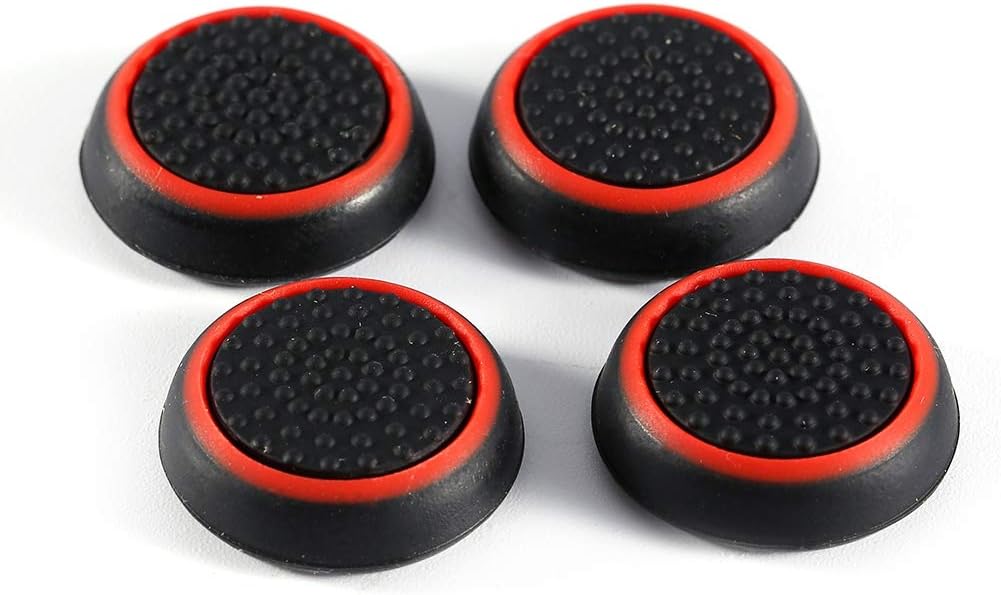
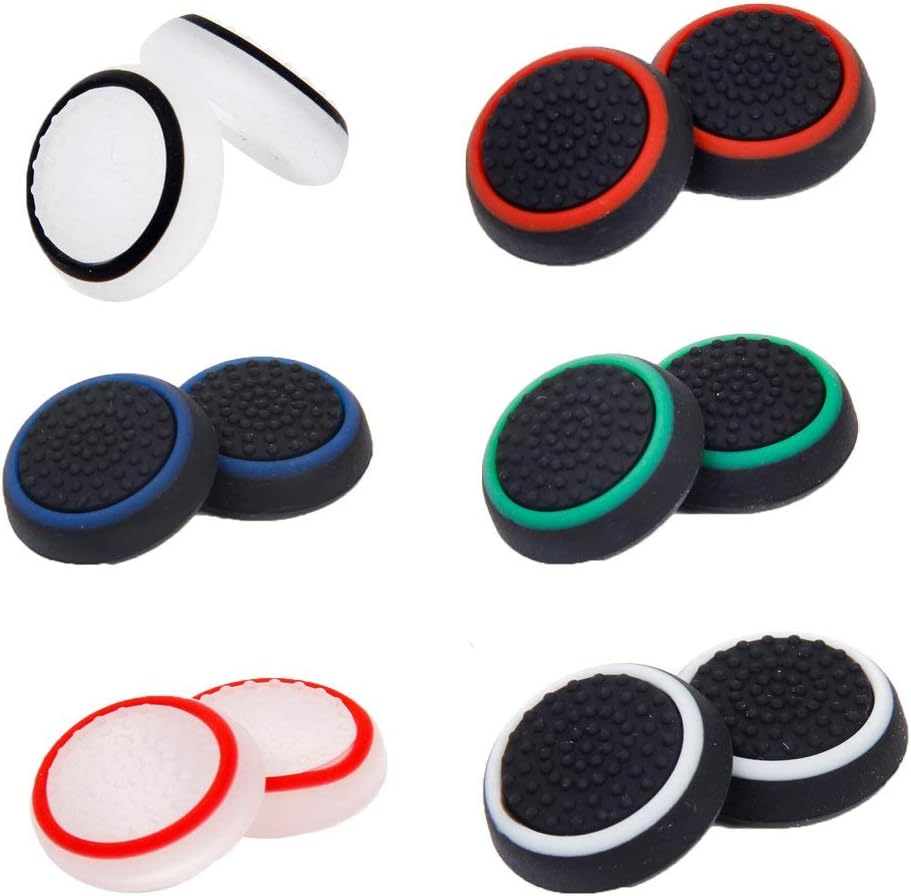
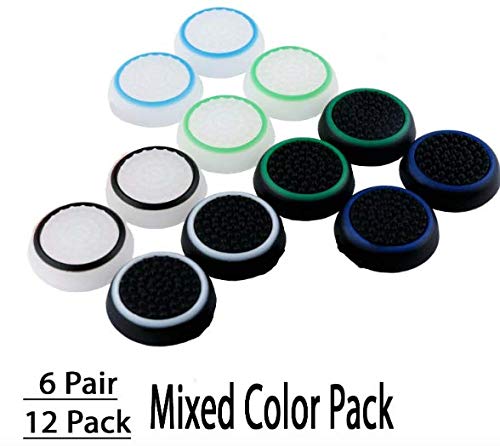
Thumb Grips


Correction of product information
If you notice any omissions or errors in the product information on this page, please use the correction request form below.
Correction Request Form